Angle measurement tool — measure angles from photos or between surfaces using device sensors.
Measure angles in two ways: tap 3 points on a photo, or use your device's sensors to measure the angle between two physical surfaces.
Take a photo or upload an image containing the angle you want to measure.
Point 1: first side. Point 2: corner (vertex). Point 3: second side. Angle is measured at Point 2.
The angle is displayed on the image. Tap "Reset Points" to try again.
Switch to "From Device" tab and grant sensor access.
Place phone on Surface A → "Record". Then Surface B → "Record". Angle is calculated.
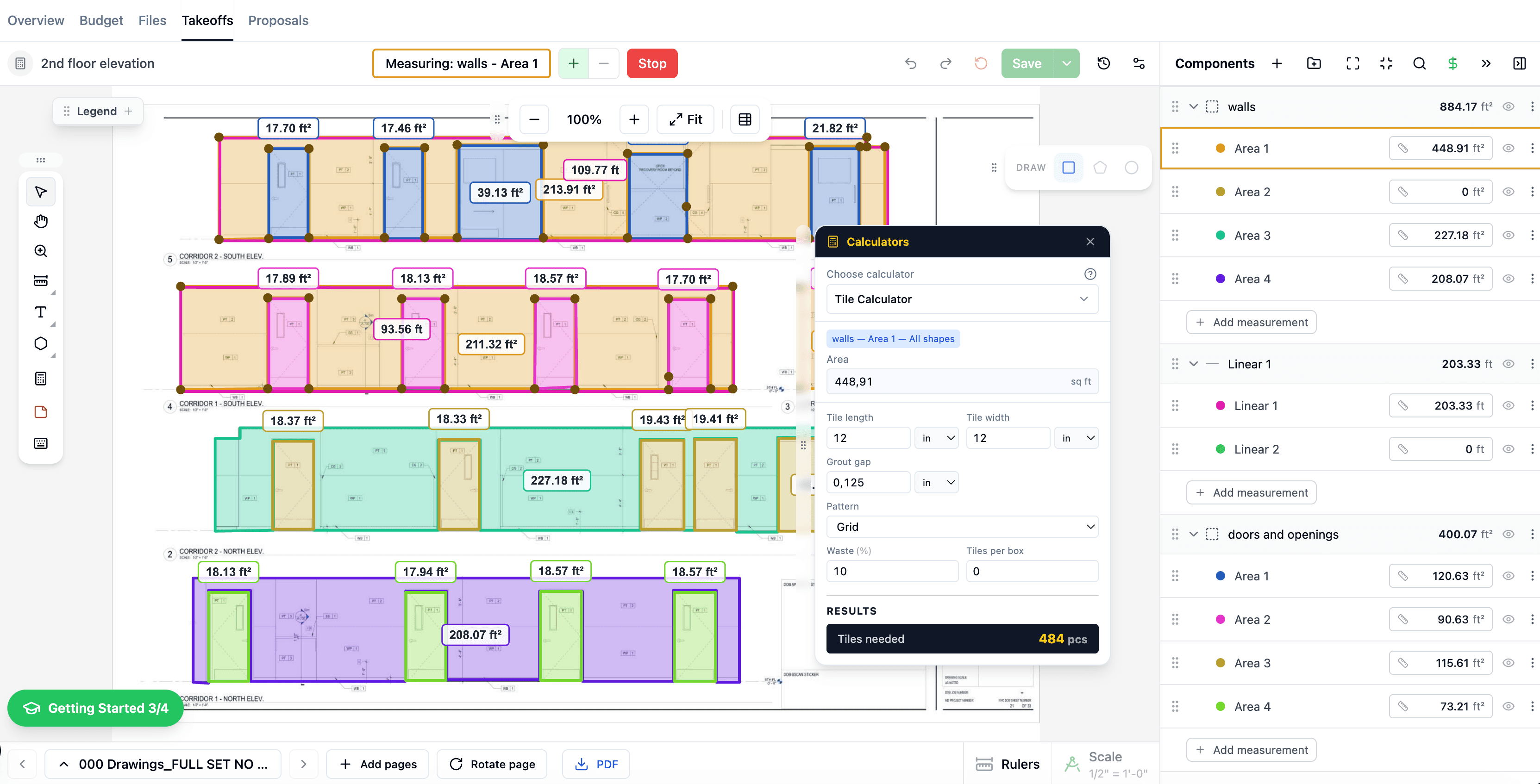
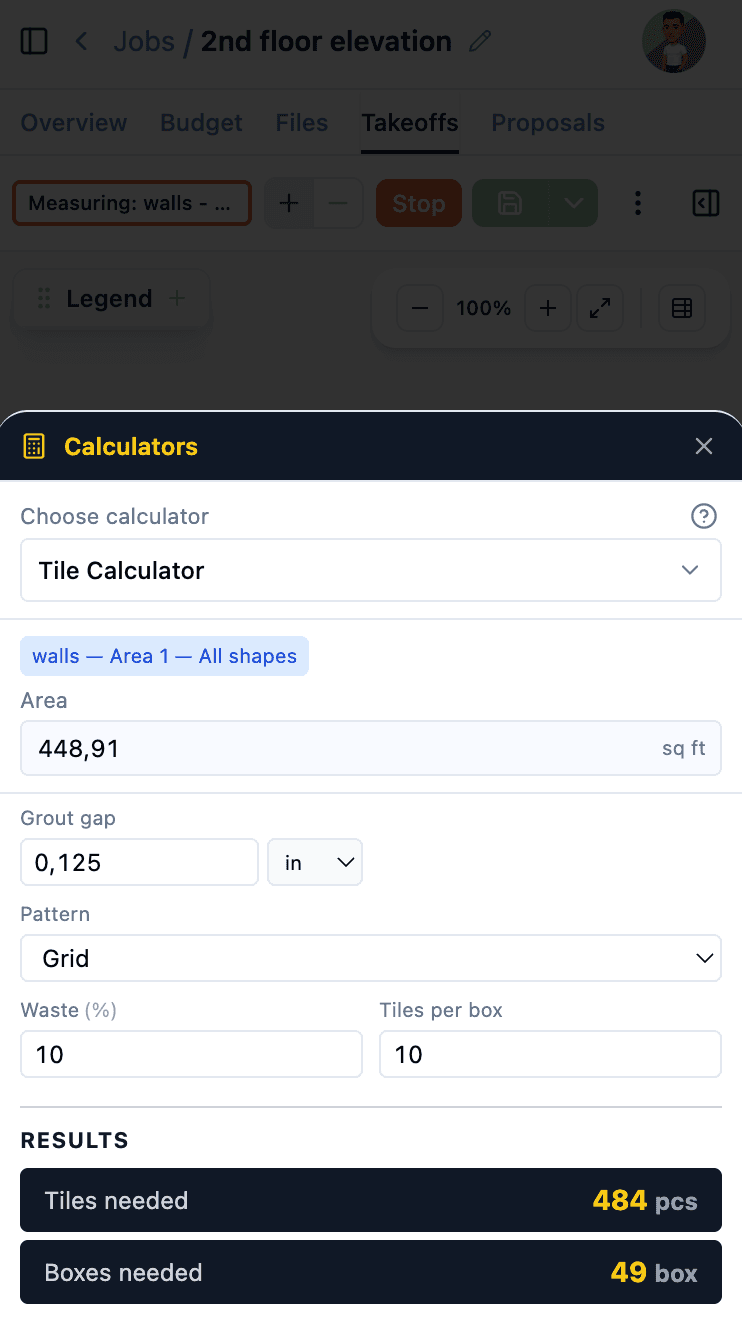
These calculators are even more powerful inside The Blocks. During takeoffs, material quantities are calculated automatically from your measurements — no manual entry needed.
Learn more about Digital Takeoffs, AI Estimates, and Cost Catalog.
$1,428/yr

 The Blocks