Digital bubble level using your phone's sensors
A digital bubble level that uses your device's motion sensors to measure tilt. Works like a traditional spirit level — place your phone on a surface to check if it's level.
Tap "Enable Sensors" to grant access to your device's gyroscope and accelerometer.
Lay your phone flat on the surface you want to check (Surface mode) or hold it upright against an edge (Edge mode).
The bubble and degree readout show how far off level the surface is. Green = level (within 0.5°).
Tap "Zero" to set the current position as your reference point.
Tap "Hold" to freeze the current reading so you can move the phone away.
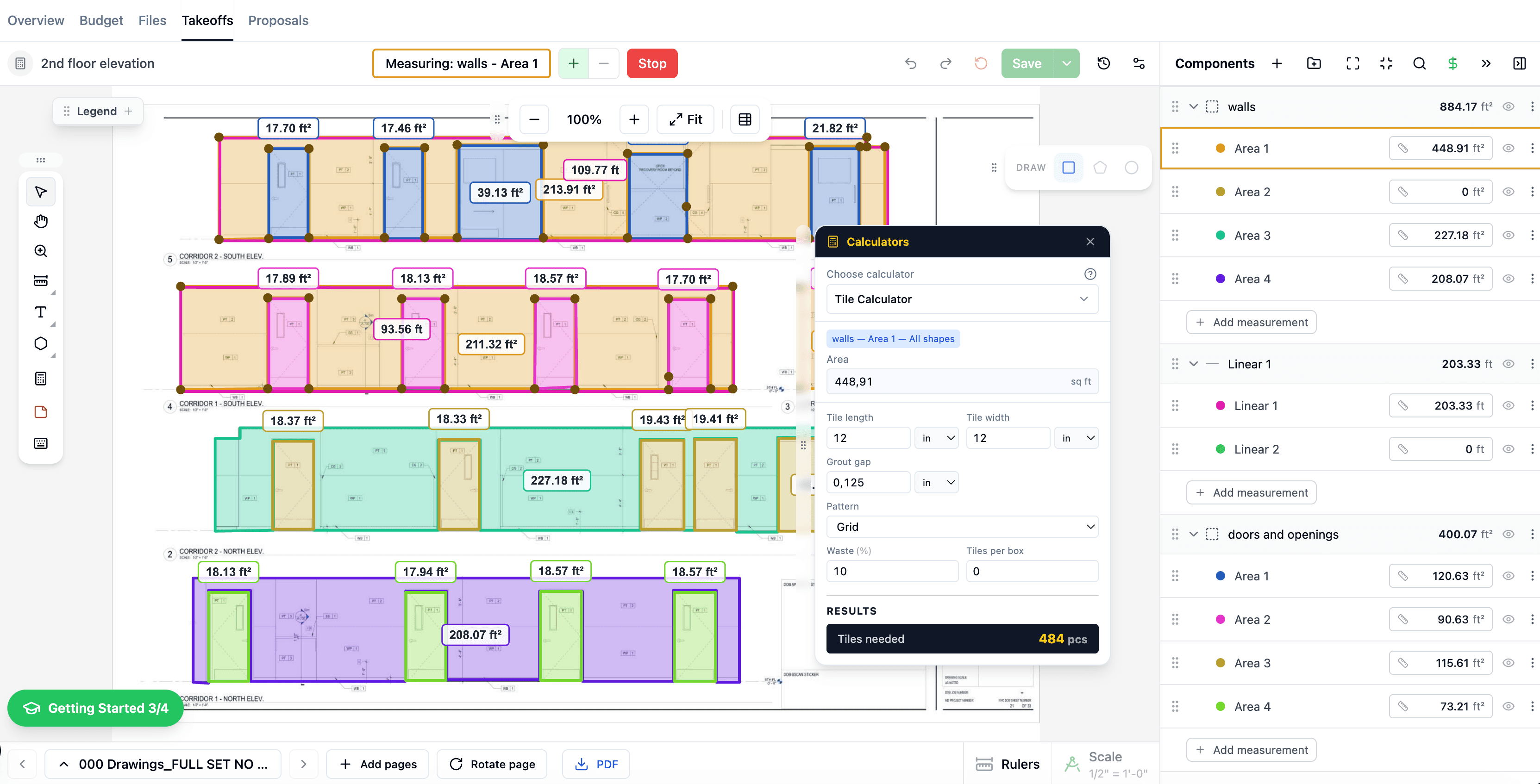
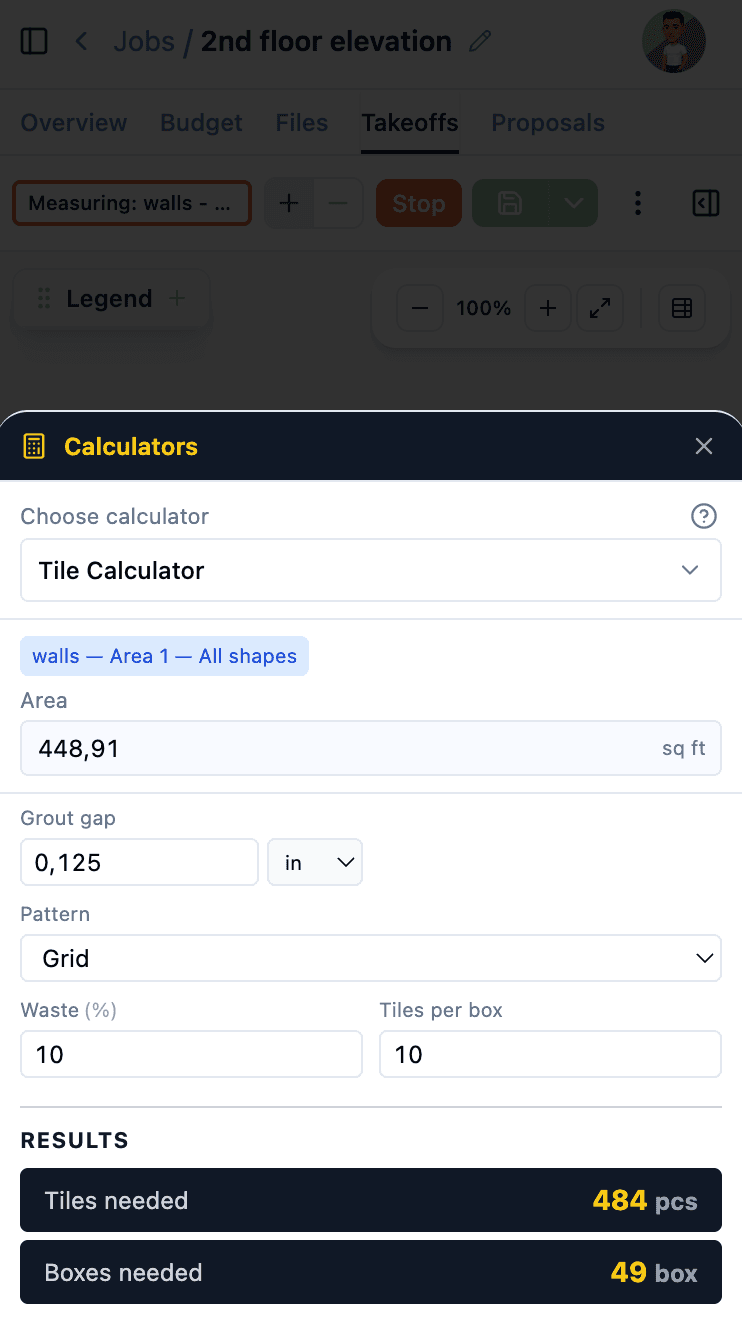
These calculators are even more powerful inside The Blocks. During takeoffs, material quantities are calculated automatically from your measurements — no manual entry needed.
Learn more about Digital Takeoffs, AI Estimates, and Cost Catalog.
$1,428/yr

 The Blocks