Color sampler tool — sample colors from photos and match to paint colors.
Pick colors from photos to identify paint colors, materials, or finishes. Shows the sampled color in HEX and RGB with the closest paint color matches.
Take a photo or upload an image of the surface or material whose color you want to identify.
Tap anywhere on the image to pick a color.
The sampled color is shown with its HEX and RGB values. Closest paint colors are displayed below.
Tap the copy icon to copy color values to your clipboard.
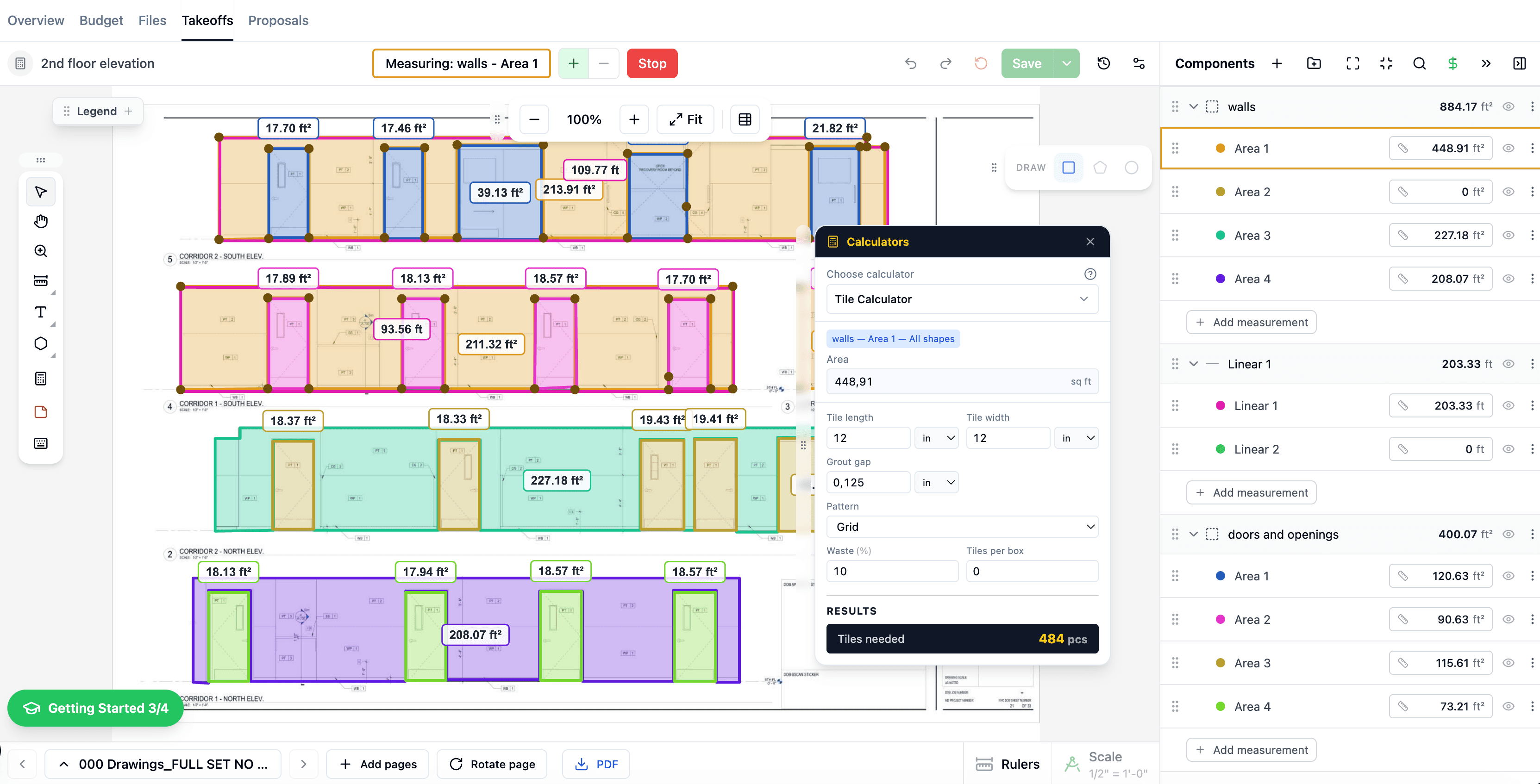
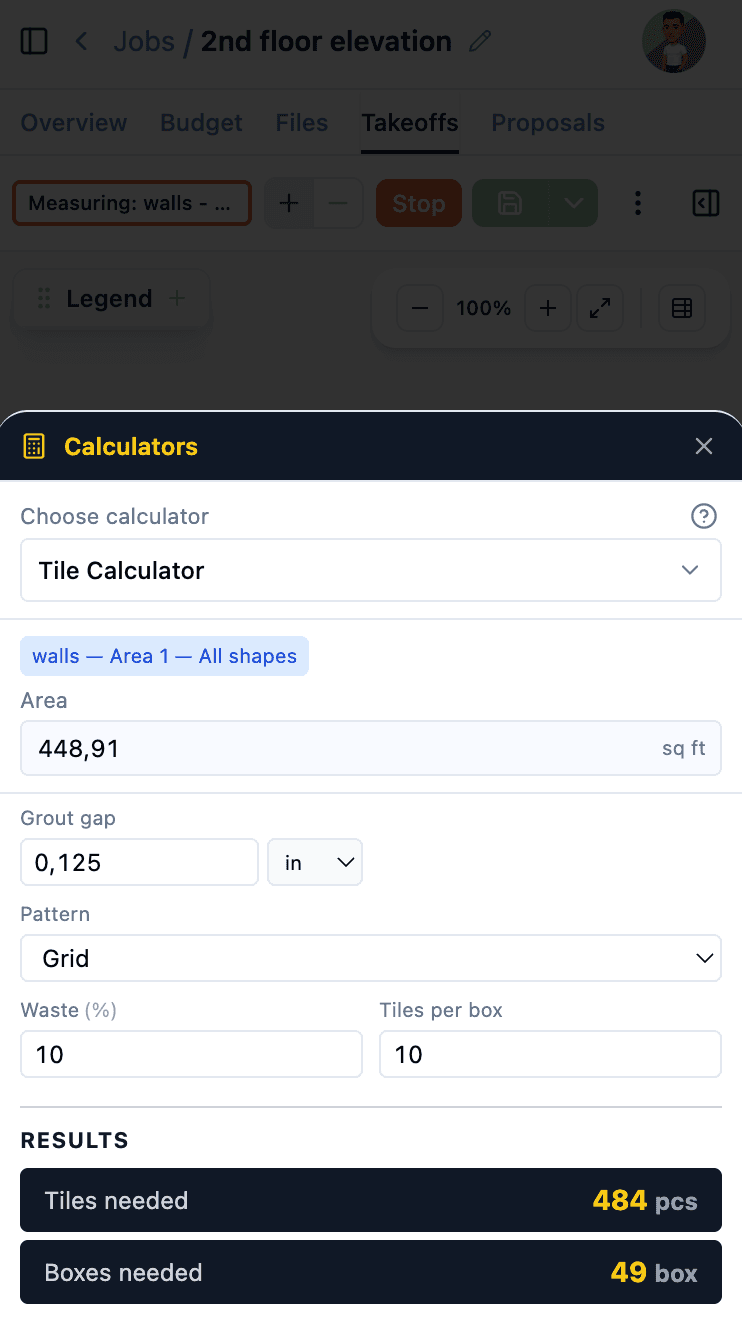
These calculators are even more powerful inside The Blocks. During takeoffs, material quantities are calculated automatically from your measurements — no manual entry needed.
Learn more about Digital Takeoffs, AI Estimates, and Cost Catalog.
$1,428/yr

 The Blocks