Digital plumb bob showing true vertical alignment with camera
A digital plumb bob that shows true vertical using your device's sensors overlaid on the camera feed. Use it to check if walls, posts, or edges are perfectly vertical.
Hold your phone upright and point the rear camera at the wall, post, or edge you want to check.
The green vertical line represents true vertical (gravity). If it aligns with the edge in view, that edge is plumb.
The degree readout shows the tilt. 0.0° = perfectly plumb. Red = off, green = plumb.
Tap "Calibrate" to zero out the current position.
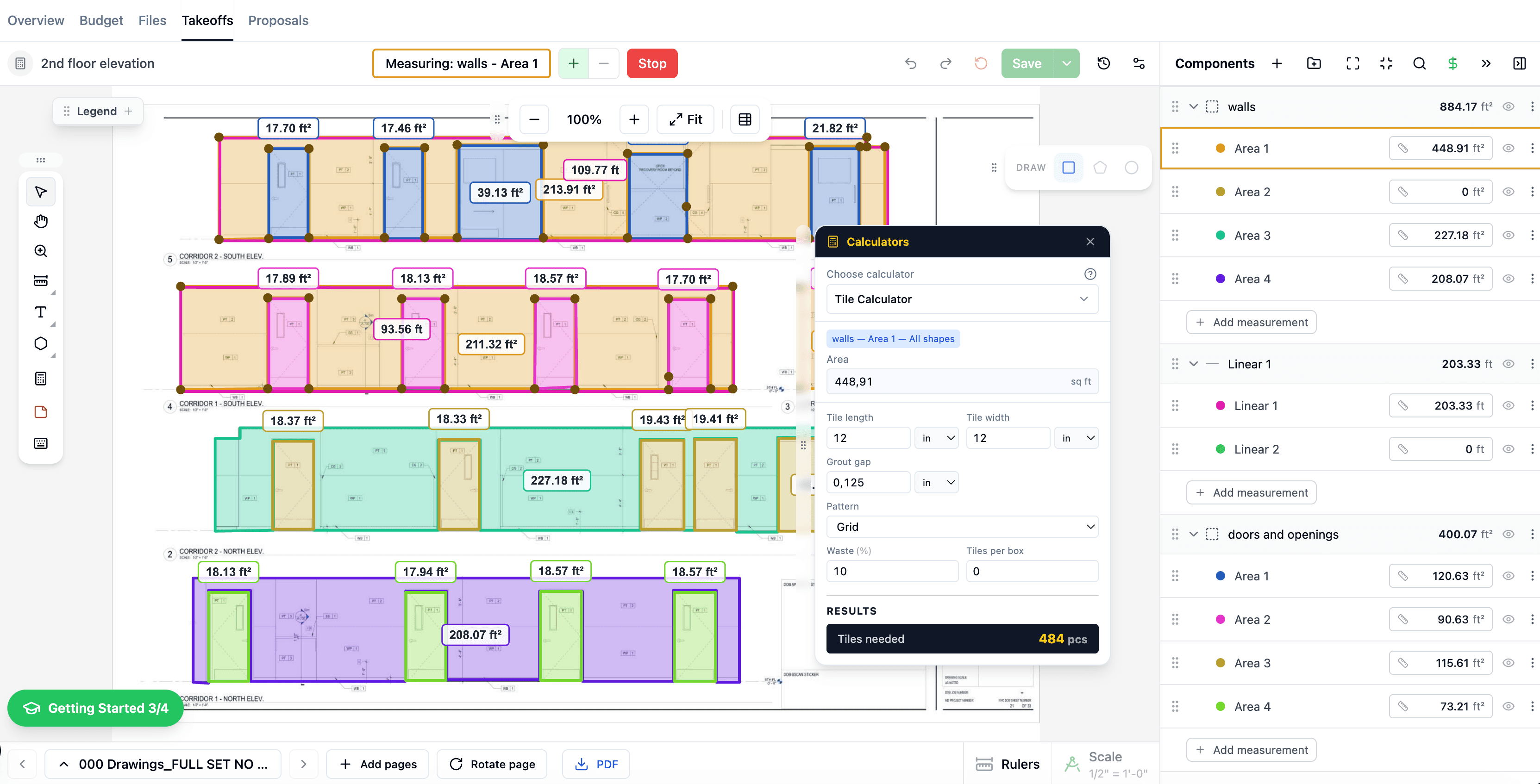
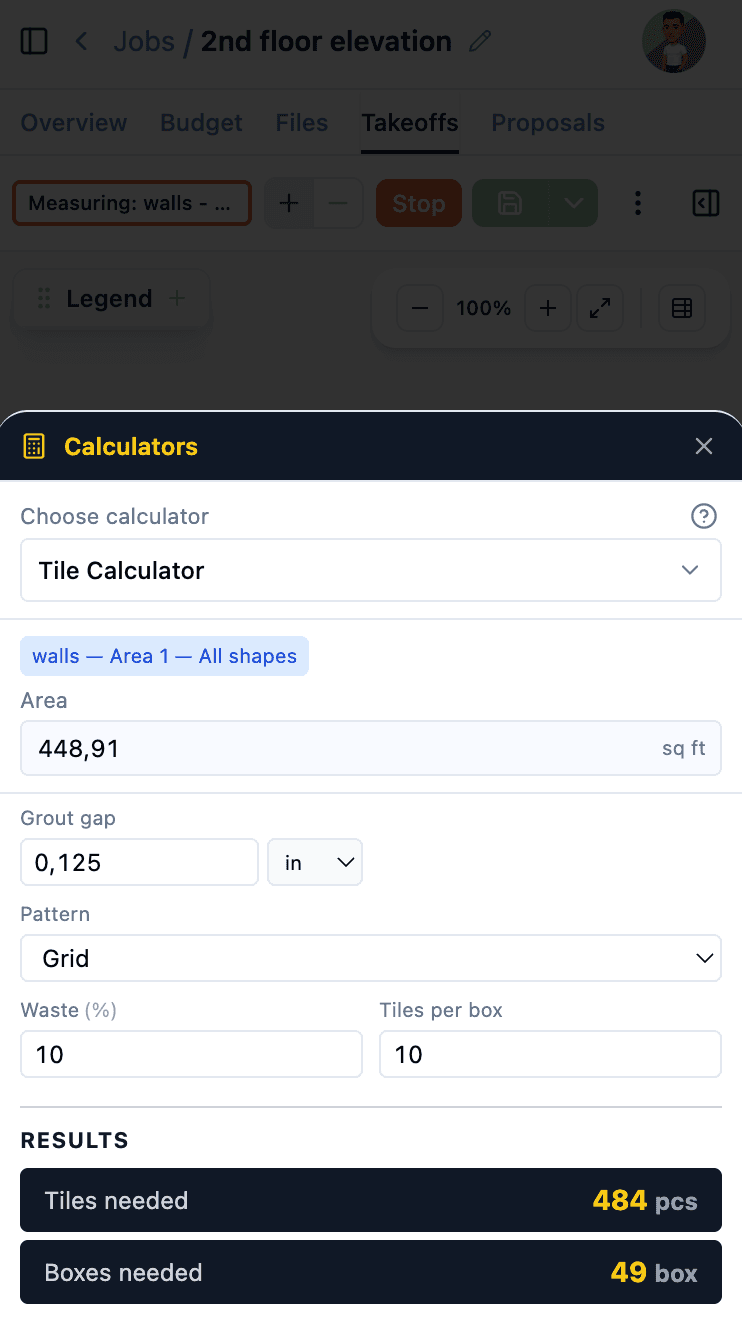
These calculators are even more powerful inside The Blocks. During takeoffs, material quantities are calculated automatically from your measurements — no manual entry needed.
Learn more about Digital Takeoffs, AI Estimates, and Cost Catalog.
$1,428/yr

 The Blocks